Superfast broadband voucher scheme extended by three months – how homeowners in north and north-east can benefit
Homeowners in the north and north-east are to benefit from additional financial support as they endure crippling broadband speeds.
The Scottish Government has announced today they are to extend their Superfast broadband voucher scheme by three months, to help people gain greater access to the “digital world.”
Ministers say the pandemic has reinforced the importance of greater broadband connectivity for all Scots in helping to keep families and loved ones connected.
The announcement comes as six locations across the north and north-east have been earned the title of Scotland’s slowest streets for broadband connection.
Grant Road in Banchory has crowned the most sluggish broadband speed with an average download speed of 0.28Mbps.
Also in the top three worst broadband spots were are Berriedale and English, in Portree.
Economy Secretary Kate Forbes said the government is determined to secure adequate broadband for all through the R100 program.
Also read | Don’t waste your time! Find out how port forwarding can save precious seconds on your internet downloads
Connecting Scotland
She said: “The pandemic has reinforced the necessity for everyone to have access to fast, reliable broadband, whether for work, business, or their personal use.
“We will make sure everyone – regardless of where they live – has access to an acceptable level of connectivity so they can be part of the digital world.
“Extending the voucher scheme will help ensure no one is excluded while we continue to roll out superfast broadband solutions across Scotland.”
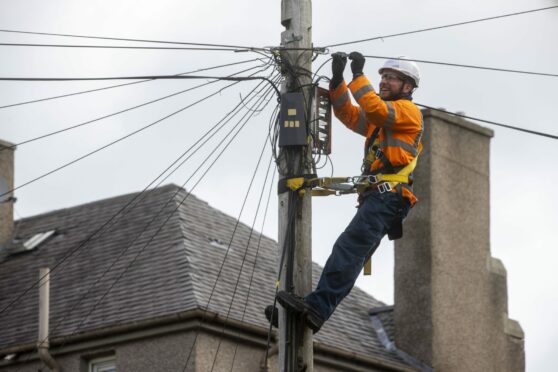
Homes and businesses in Scotland struggling for connectivity now have until March 31 next year to apply for funding worth up to £400.
The R100 interim voucher is available to all homes and businesses with speeds less than 30 megabits per second and where superfast broadband roll-out is planned but is unlikely to be delivered until the new year.
More than 1,200 rural premises can now access faster speeds thanks to the voucher schemes.
Another 1,100 premises are establishing a connection within the next year.
Homes and businesses in Scotland struggling for connectivity now have until March 31 next year to apply for funding worth up to £400 under the Reaching 100% (R100) Scottish Broadband Voucher Scheme.
R100 broadband scheme
The Reaching 100% (R100) program is a commitment by the Scottish Government to provide access to superfast broadband of 30 Megabits per second (Mbps) to every home and business in Scotland.
Mrs. Forbes said keeping rural communities connected has never been more important.
She added: “Accessing fast and reliable broadband has never been so important and for our more rural communities it is vital. That is why the Scottish Government is making substantial investments in digital infrastructure to ensure all of Scotland has access to high-speed internet.”
Comments
Post a Comment