
Internet world record: Researchers in England achieve 178 Tbps download speed

Your internet is fast, but is it 178 Tbps fast?
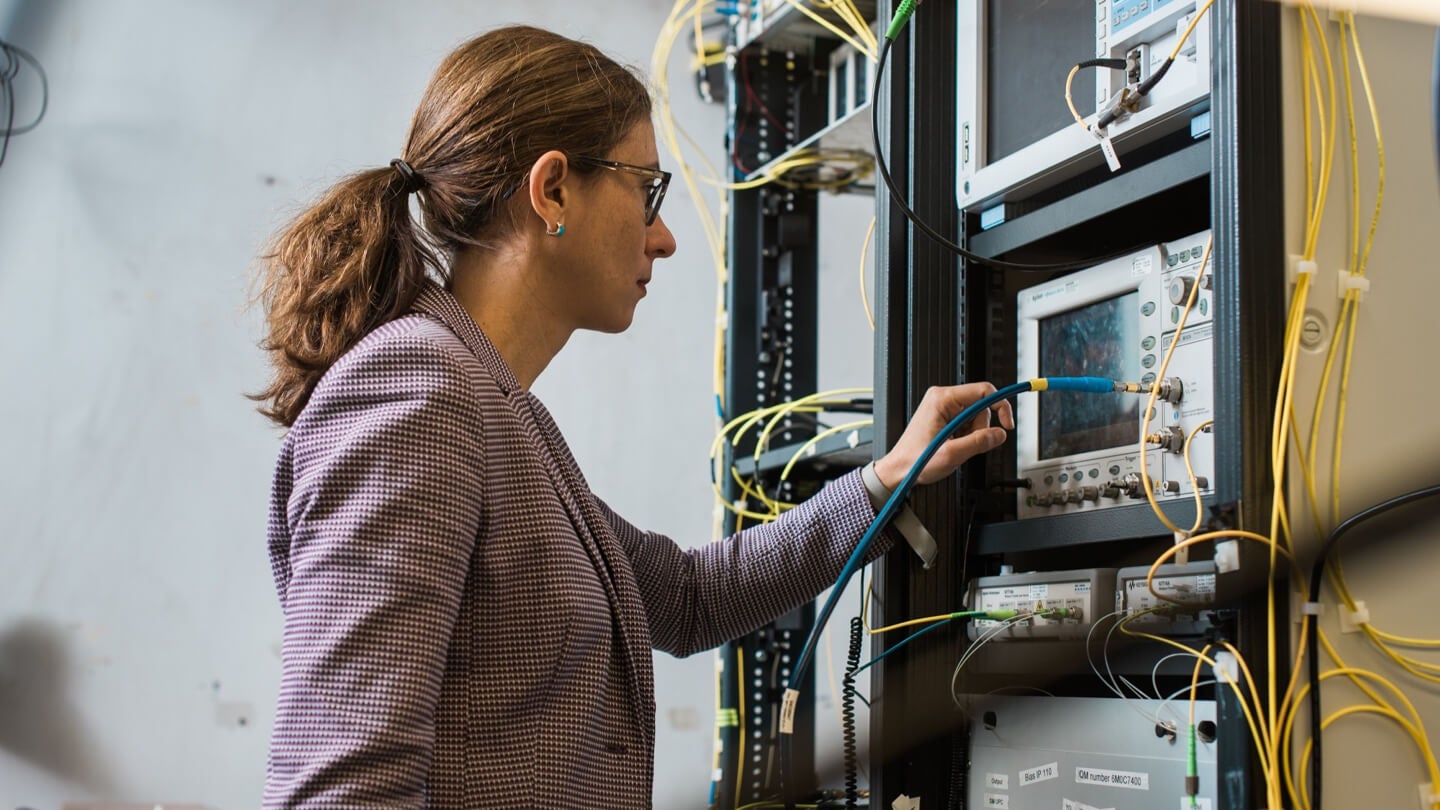

Researchers at the University College London (UCL) have set a new record for the fastest internet speed in the world. How fast is it? Oh, just 178,000,000 Mbps — fast enough to download the entire Netflix library in less than a second.


The record was achieved by a team led by a lecturer at UCL and Royal Academy of Engineering research fellow, Dr. Lidia Galdino, and was close to the theoretical limit of data transmission set in 1949.

Galdino’s team deployed these record-setting speeds on existing infrastructure using a bandwidth of 16.8 THz. Typical infrastructures in use today utilize a limited spectrum bandwidth of 4.5 THz.

“While current state-of-the-art cloud data-center interconnections are capable of transporting up to 35 terabits a second, we are working with new technologies that utilize more efficiently the existing infrastructure, making better use of optical fiber bandwidth and enabling a world record transmission rate of 178 terabits a second,” Galdino said.
How does it work?


Researchers transmitted data through a larger range of wavelengths than used in a regular fiber-optic connection. They also developed brand new Geometric Shaping constellations in order to maximize speeds and boost signal strength over that extra-large bandwidth.

Not only is it ultra-fast, but UCL researchers also cite affordability as a crucial benefit of the new technique since it can be deployed over existing infrastructures. Instead of investing in new optical fiber network expansion (for what would be about 28 times the cost), work can be done to upgrade the amplifiers that are located on existing fiber routes for a fraction of the price.

Although internet traffic has continued to increase over the past decade, Dr. Galdino cites the COVID-19 pandemic as a key reason for the growth in data demand.

“The development of new technologies is crucial to maintaining this trend towards lower costs while meeting future data rate demands that will continue to increase, with as yet unthought-of applications that will transform people’s lives.”

Also read | Don’t waste your time! Find out how port forwarding can save precious seconds on your internet downloads 

Comments

Popular posts from this blog

Don’t waste your time! Find out how port forwarding can save precious seconds on your internet downloads

Want to speed up your real-time computer gaming experience? We’ll show you how. First things first — What in the world is port forwarding? It’s not common internet jargon, even for the techies amongst us. But it can be supremely useful, especially to certain segments of the online population, so it’s about time it got the recognition it deserves. See more | Download Performance Slow - What is an acceptable download speed ? What is port forwarding? Also known as port mapping, this is a process where a user can tell internet traffic where to go, rather than going to a location by default. It turns the computer administrator into the air traffic controller of their own data. That is, they can tell the incoming data where to “land.” How can port forwarding help your internet connection? Be forewarned: port forwarding doesn’t necessarily reduce lag. And don’t expect it to work miracles on slow internet speeds. But it can reduce download speeds by a few seconds, and if you are participating ...

How to Position Router Antennas

  Most people think about router features like speed, power, and Wi-Fi protocols, but the antenna position matters, too. Here’s how to position router antennas for the best performance. How Should Wi-Fi Antennas Be Positioned? When positioning router antennas, there is a simple method and a complex one. The approach to each is a little different. The Simple Method for Positioning Router Antennas The simple method follows a pattern that works in most situations. It works best if you want good performance but don’t care about getting the best performance. If your Wi-Fi router has feet, set the router on them and not on its side. If the router has feet on more than one side, you can choose either position. Kittichai Boonpong/ Getty Images Locate your router’s antennas. If you can’t find any external antennas, your router has only internal ones. Pea San Ratn Dilk/ Getty Images If you want coverage for only one floor, position some vertically and some horizontally. Vladimir Nenov/ Getty...

Telus introduces two new Wi-Fi solutions

  Wi-Fi 6 and Wi-Fi Plus work together to create a responsive experience Telus has launched two new Wi-Fi solutions for its customers in Western Canada. The first is Wi-Fi 6. It offers tri-band technology and the fastest home internet speed in Western Canada, the company says. It provides fast speeds even if multiple devices are connected. Wi-Fi Plus is the second offering. According to the company’s website, this is a monthly add-on to Wi-Fi 6 for those looking to ensure their Wi-Fi connection works in all corners of their home. It cost $10 a month. Company technicians install the services and determine the number of access points needed for the best experience. A combination of the two creates “an unmatched home Wi-Fi experience that is only offered by Telus,” the company says. “We all know what it feels like to have that one spot in our home where the Wi-Fi connection just isn’t as strong, and the frustration that can cause ourselves and our families,” Zainul Mawji, preside...